🚚 Free Worldwide Shipping on All Orders!Shop Now

1 / 2
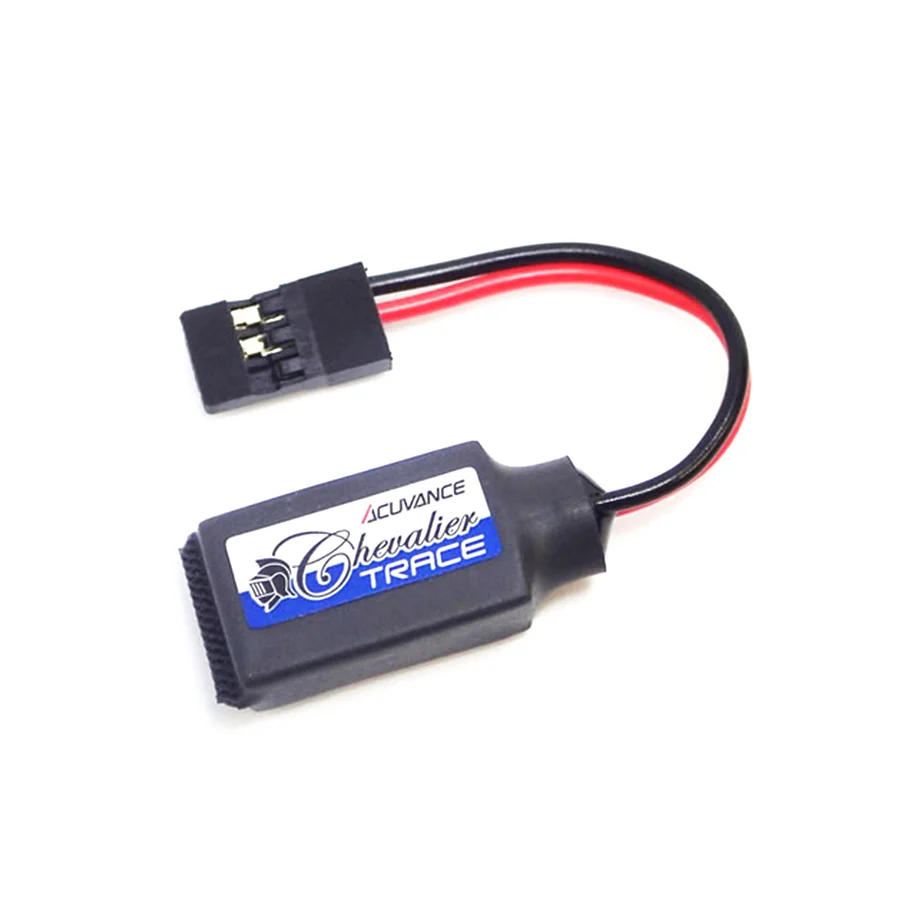
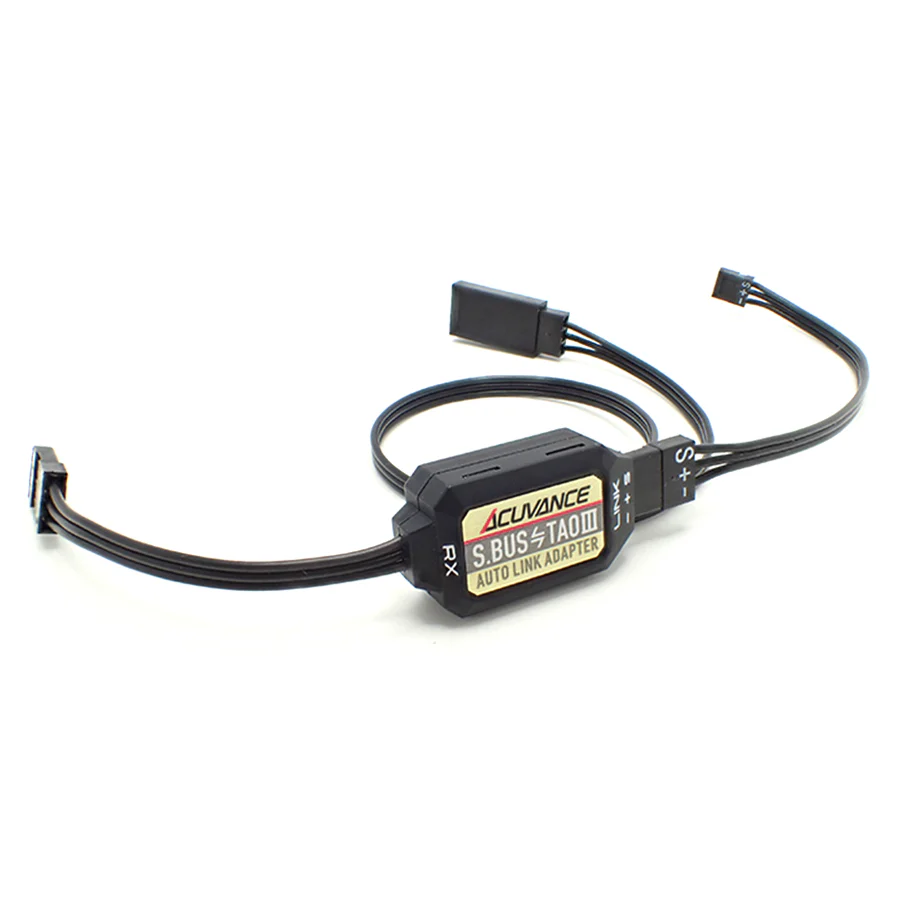
Acuvance S.BUS - TAOIII Auto Link Adapter
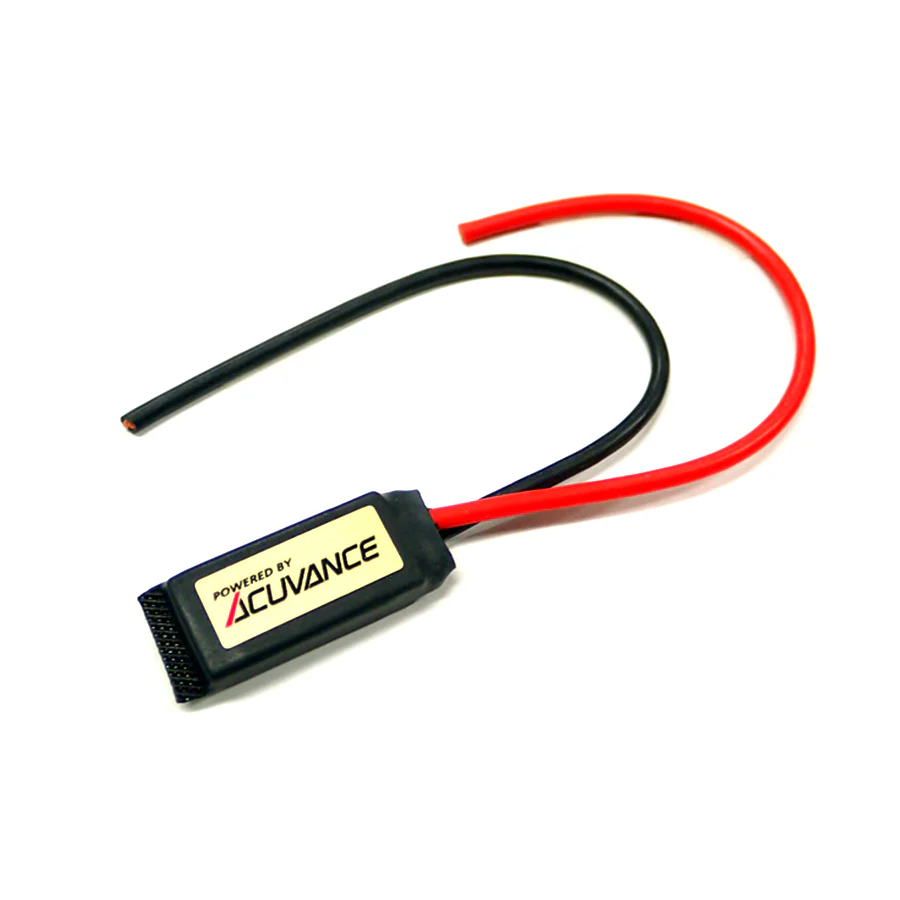
Acuvance (#OP15123) S.BUS - TAOIII Auto Link Adapter
Feature:
- In addition to the conventional LINK function for performing setting changes and data logging of FUTABA S.BUS system compatible ESC (including MC970CR and MC971CR) such as XARVIS XX with FUTABA S.BUS system compatible transmitter, TAO III. This is a new S.BUS link adapter equipped with an auto-select function that automatically recognizes when both are connected at the same time.
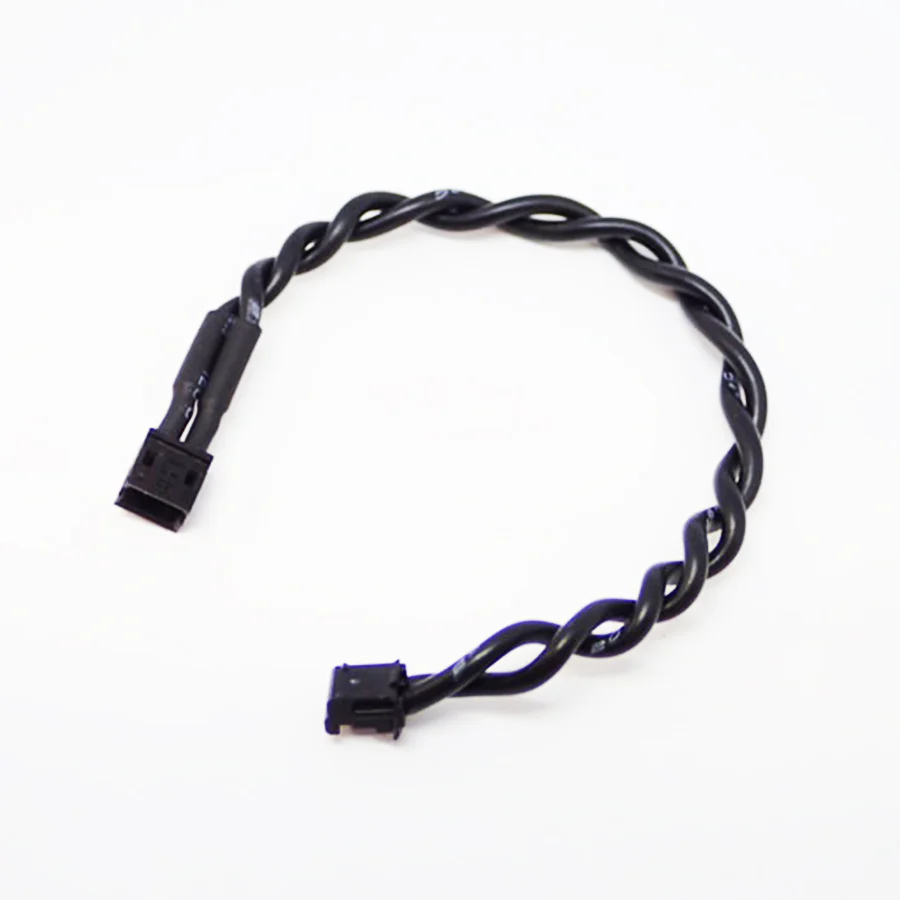
- The connection between the receiver and ESC is the same as before. Fix the TAO III connection connector (cable length 200mm) branched from the adapter main body to any location on the chassis, and connect to this connector when using TAO III.
- When using an S.BUS system compatible transmitter and TAO III together, there is no need to replace the cable on the LINK terminal side, greatly improving convenience.
Note:
- *The LINK function with the S.BUS system is the same as the S.BUS link adapter (OP-15127), S.BUS adapter (OP-15067), and SBM-1 (FUTABA MC970CR/MC971CR accessory).
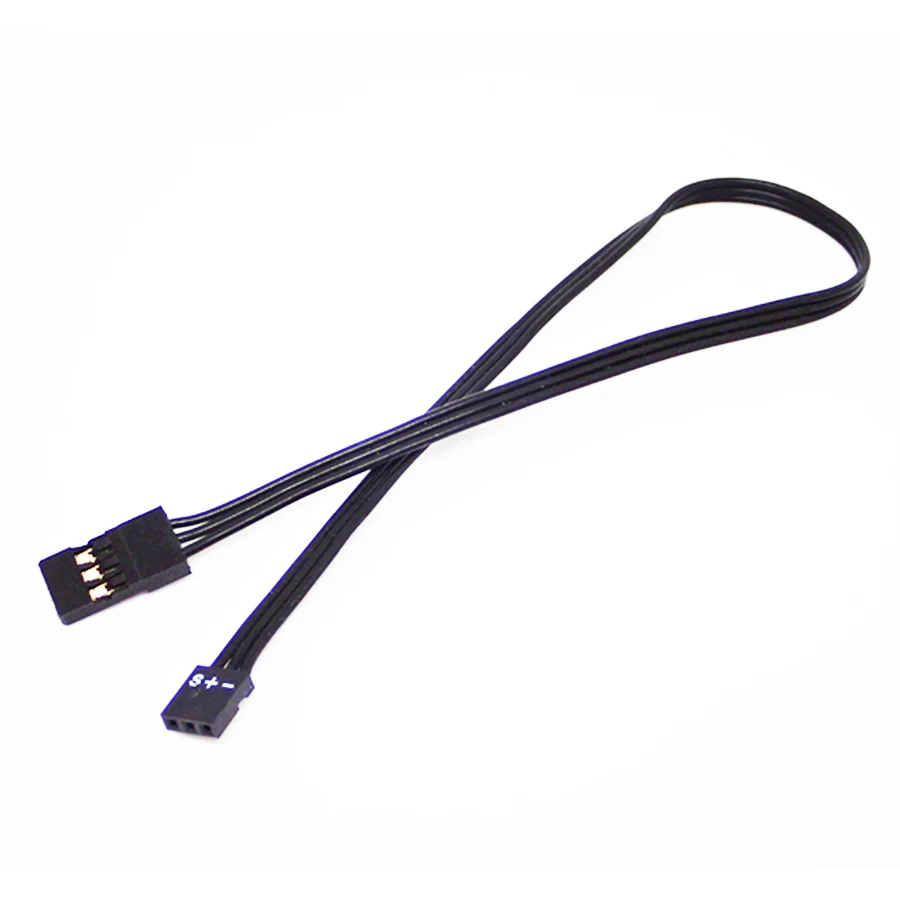
- *The cable on the LINK terminal side that connects to the ESC is removable. By replacing with our RX cable , you can change the length according to the layout of the car body. (The LINK side cable of this product is 100mm)
- *The transmitter does not have a function to save ESC setting data. By using TAOIII at the same time, you can save and manage setting data and use various preset data.
- *In order to use the latest functions, it may be necessary to update the ESC, this product, transmitter, and receiver.
- *Futaba receivers [R334SBS / R334SBS-E] cannot use the telemetry function when using the T-FHSS SR system. Please switch to the T-FHSS system when using the telemetry function.
- *S.BUS is a proprietary communication standard developed by Futaba Corporation.
- *When changing settings or performing telemetry communication with the transmitter, switch the setting mode of the ESC to the following mode. [XARVIS: Program Card Mode (Refer to P.10 of the Instruction Manual)] [XARVIS XX: LINK Mode (Refer to P.10 of the Instruction Manual)] In any of the above modes, the red standby LED lights up or blinks (setting Depending on the state, other LEDs will also light up). (The changed setting mode is memorized even if the power of the ESC is turned off.) If the setting mode is not switched, an error will occur when communicating with the transmitter, and setting changes and telemetry communication will not be possible. Also, be sure to use the above mode while driving.
Specification:
- Size: W28.0(W) x 15.5(H) × 9.0mm(D)
- Weight: 7g
What is included:
- Acuvance (#OP15123) S.BUS - TAOIII Auto Link Adapter (1 pc)
$24.97
Original: $83.22
-70%Acuvance S.BUS - TAOIII Auto Link Adapter—
$83.22
$24.97Product Information
Product Information
Shipping & Returns
Shipping & Returns
Description
Acuvance (#OP15123) S.BUS - TAOIII Auto Link Adapter
Feature:
- In addition to the conventional LINK function for performing setting changes and data logging of FUTABA S.BUS system compatible ESC (including MC970CR and MC971CR) such as XARVIS XX with FUTABA S.BUS system compatible transmitter, TAO III. This is a new S.BUS link adapter equipped with an auto-select function that automatically recognizes when both are connected at the same time.
- The connection between the receiver and ESC is the same as before. Fix the TAO III connection connector (cable length 200mm) branched from the adapter main body to any location on the chassis, and connect to this connector when using TAO III.
- When using an S.BUS system compatible transmitter and TAO III together, there is no need to replace the cable on the LINK terminal side, greatly improving convenience.
Note:
- *The LINK function with the S.BUS system is the same as the S.BUS link adapter (OP-15127), S.BUS adapter (OP-15067), and SBM-1 (FUTABA MC970CR/MC971CR accessory).
- *The cable on the LINK terminal side that connects to the ESC is removable. By replacing with our RX cable , you can change the length according to the layout of the car body. (The LINK side cable of this product is 100mm)
- *The transmitter does not have a function to save ESC setting data. By using TAOIII at the same time, you can save and manage setting data and use various preset data.
- *In order to use the latest functions, it may be necessary to update the ESC, this product, transmitter, and receiver.
- *Futaba receivers [R334SBS / R334SBS-E] cannot use the telemetry function when using the T-FHSS SR system. Please switch to the T-FHSS system when using the telemetry function.
- *S.BUS is a proprietary communication standard developed by Futaba Corporation.
- *When changing settings or performing telemetry communication with the transmitter, switch the setting mode of the ESC to the following mode. [XARVIS: Program Card Mode (Refer to P.10 of the Instruction Manual)] [XARVIS XX: LINK Mode (Refer to P.10 of the Instruction Manual)] In any of the above modes, the red standby LED lights up or blinks (setting Depending on the state, other LEDs will also light up). (The changed setting mode is memorized even if the power of the ESC is turned off.) If the setting mode is not switched, an error will occur when communicating with the transmitter, and setting changes and telemetry communication will not be possible. Also, be sure to use the above mode while driving.
Specification:
- Size: W28.0(W) x 15.5(H) × 9.0mm(D)
- Weight: 7g
What is included:
- Acuvance (#OP15123) S.BUS - TAOIII Auto Link Adapter (1 pc)